Report period
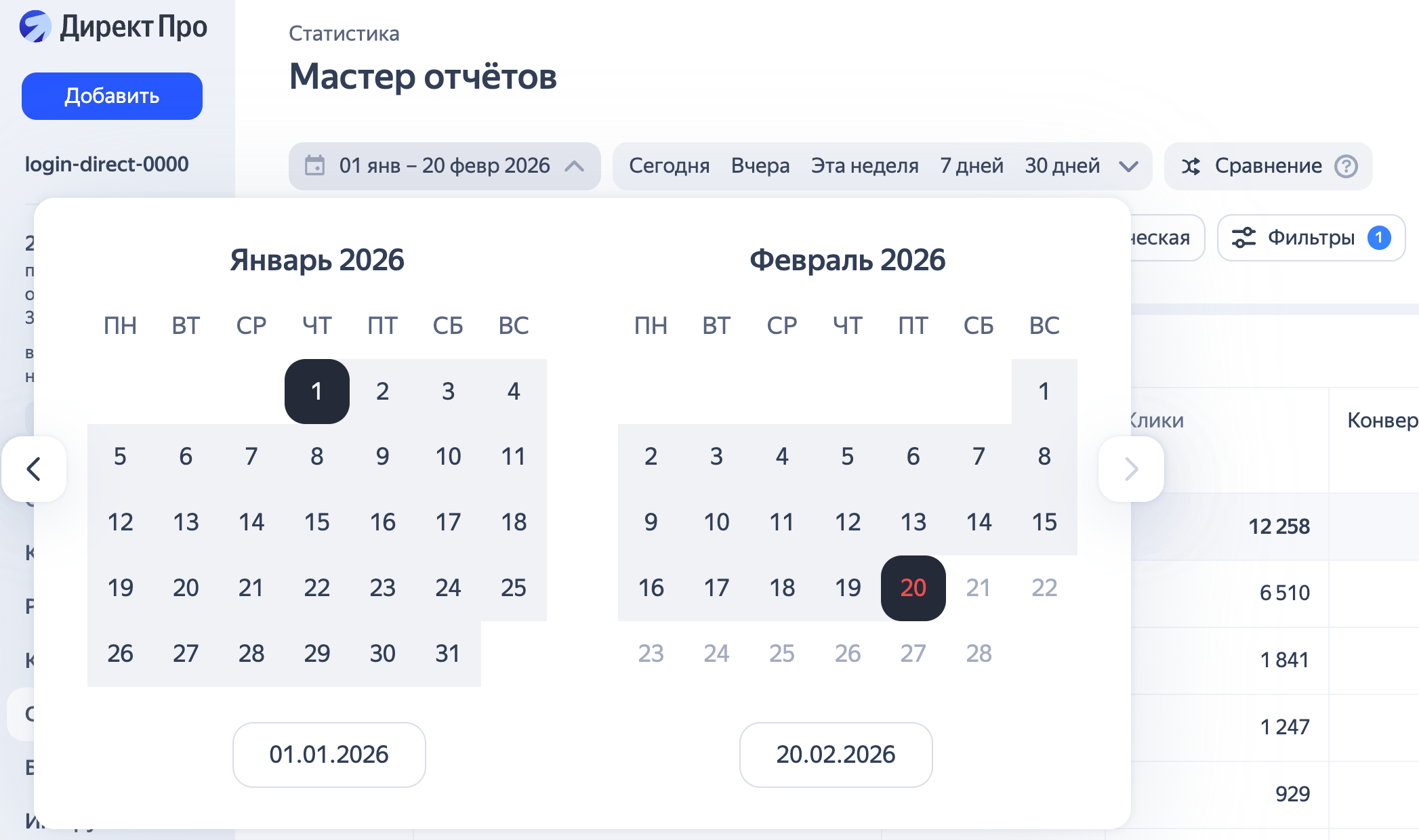
Select a custom period or choose from the suggested options. When setting the period manually, you can select the desired interval in the calendar:
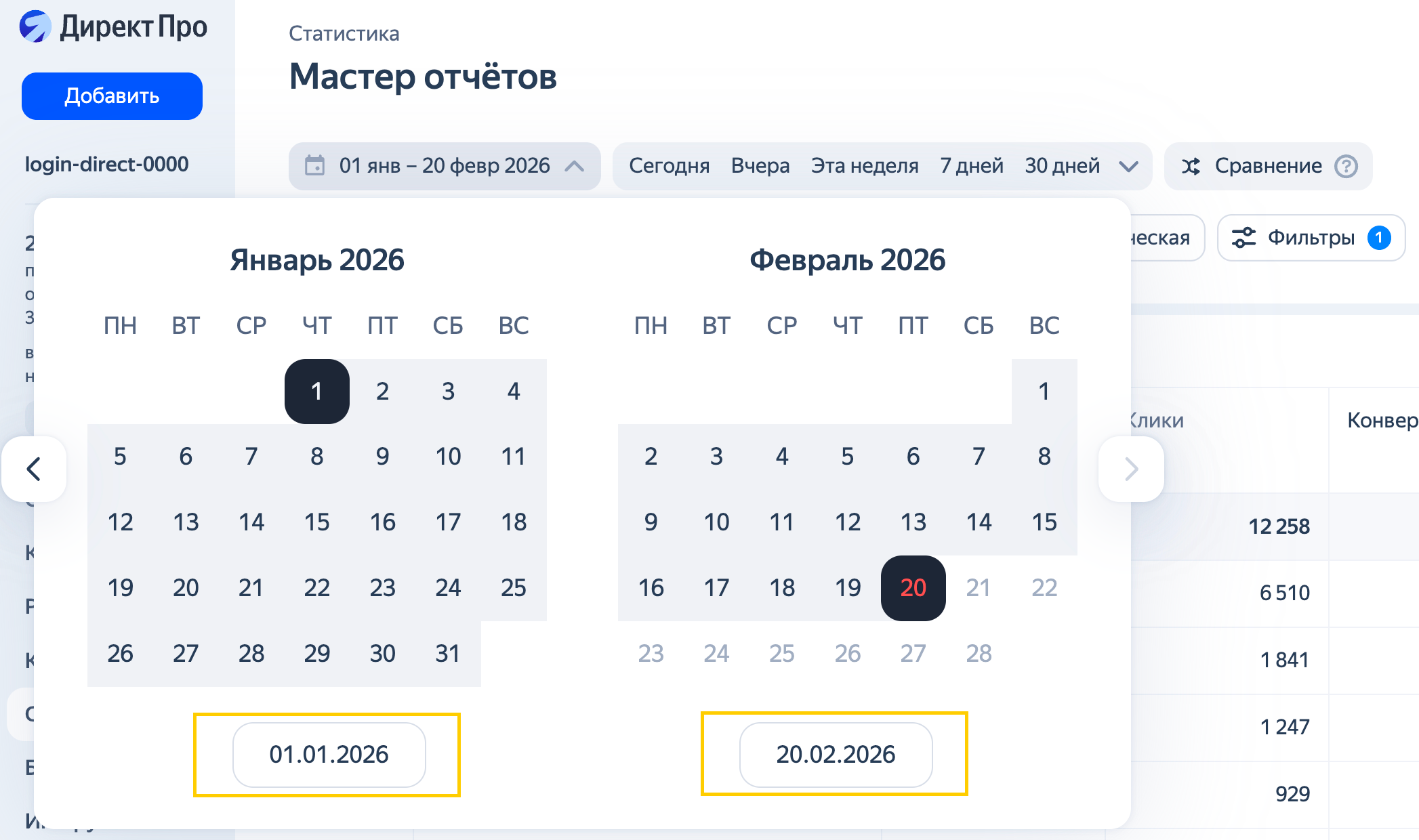
Or specify the exact dates below the calendar:
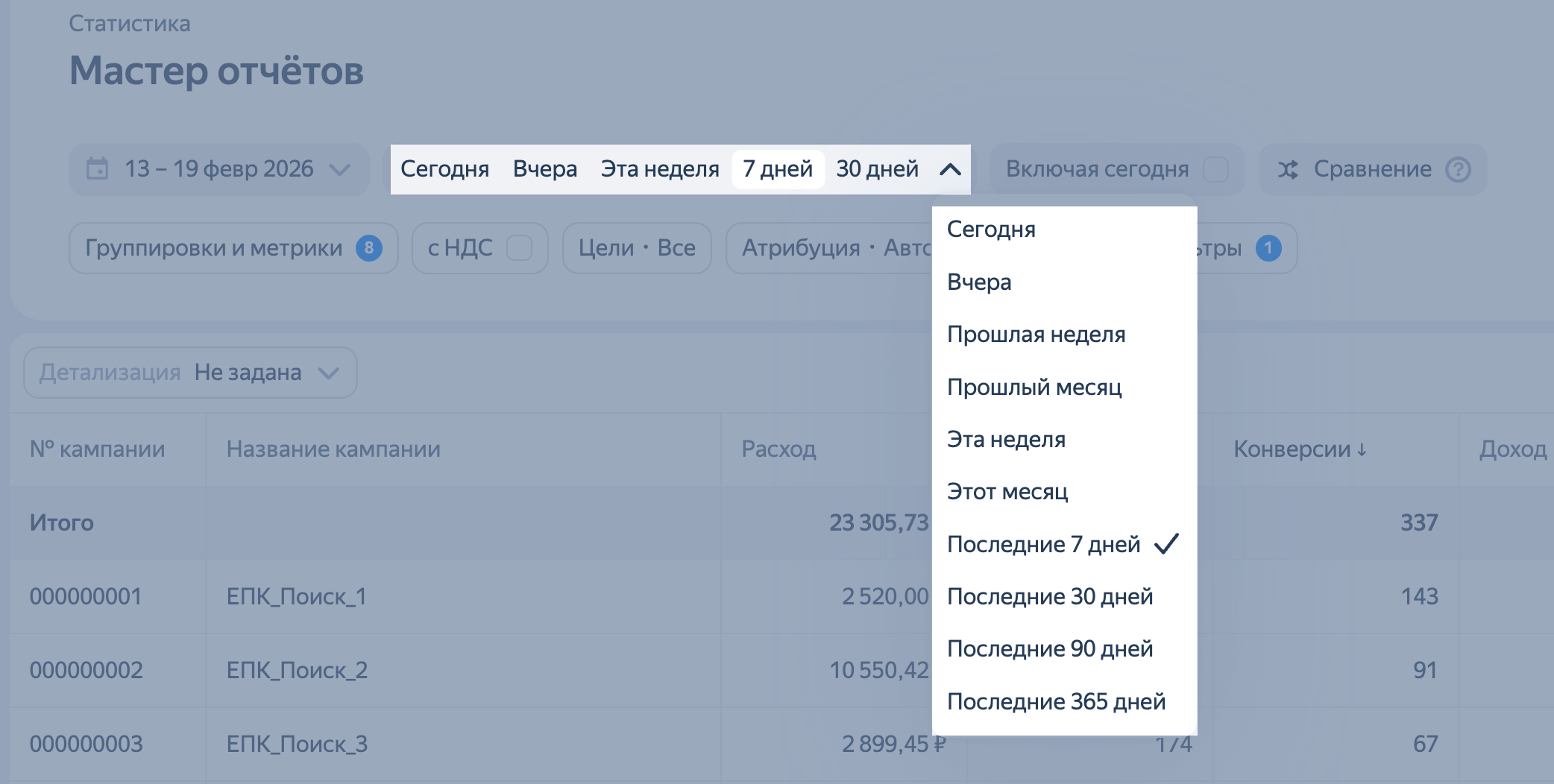
If you want to use a preset period, just select the one you need from the horizontal menu or the drop-down list.
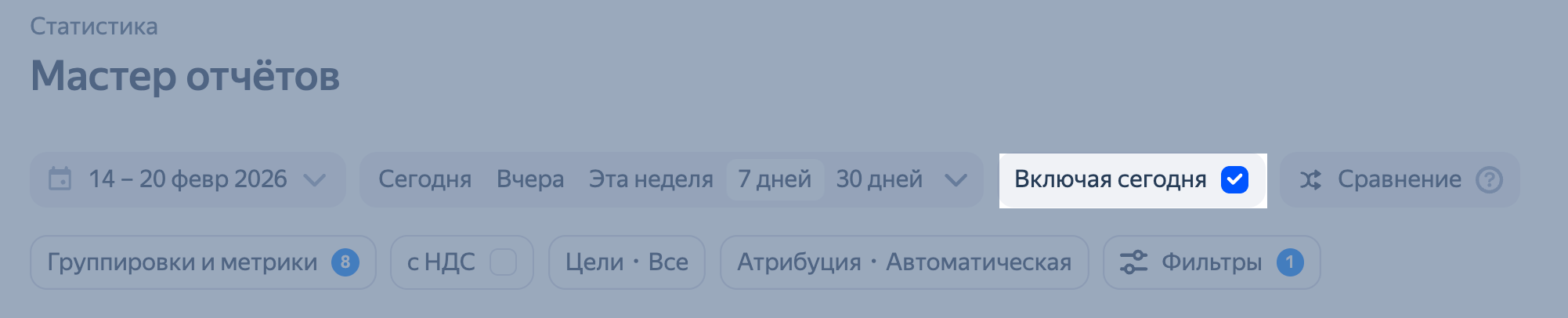
To see data for the current day in your report, select Including today. For example, if you select the last 7 days (including today) on April 10, your report will show data from April 4 through April 10. If you don't select this option, the data will be from April 3 to April 9.
Reports can include basic data for the last three years. Full search query data is available for the last six months. Statistics for a longer period may be incomplete. Impressions, clicks, and other metrics will be accurate, but the actual search query may not be identified for some auctions.
Have questions?
Alert
Our customer support can only assist you with campaigns linked to the username you are contacting us from. You can check your username by opening ya.ru in another browser tab. Our team can access your data only when processing your request.
Scan the QR code or tap it to follow the link.


If you select Telegram or WhatsApp, keep in mind that Yandex does not control and is not liable for how third-party messengers store your data and chat history.