Ads in messaging apps
You can now launch ads across messaging apps. Your ads will appear in relevant public and private Telegram and MAX channels owned by partners of the Yandex Advertising Network.
Regional availability
You can launch ads across messaging apps if you're an advertiser based in Russia, Belarus, Uzbekistan, Kazakhstan, or Türkiye. Please note that ads on MAX channels can only be served in Russia.
Placement formats
-
Automatic channel selection under the pay-per-click model
Advertising in Belarusian Telegram channels with automatic channel selection is currently in beta testing. To participate in the beta test, contact our customer service department and request access.
-
Placement in channels from the catalog under the pay-per-view model
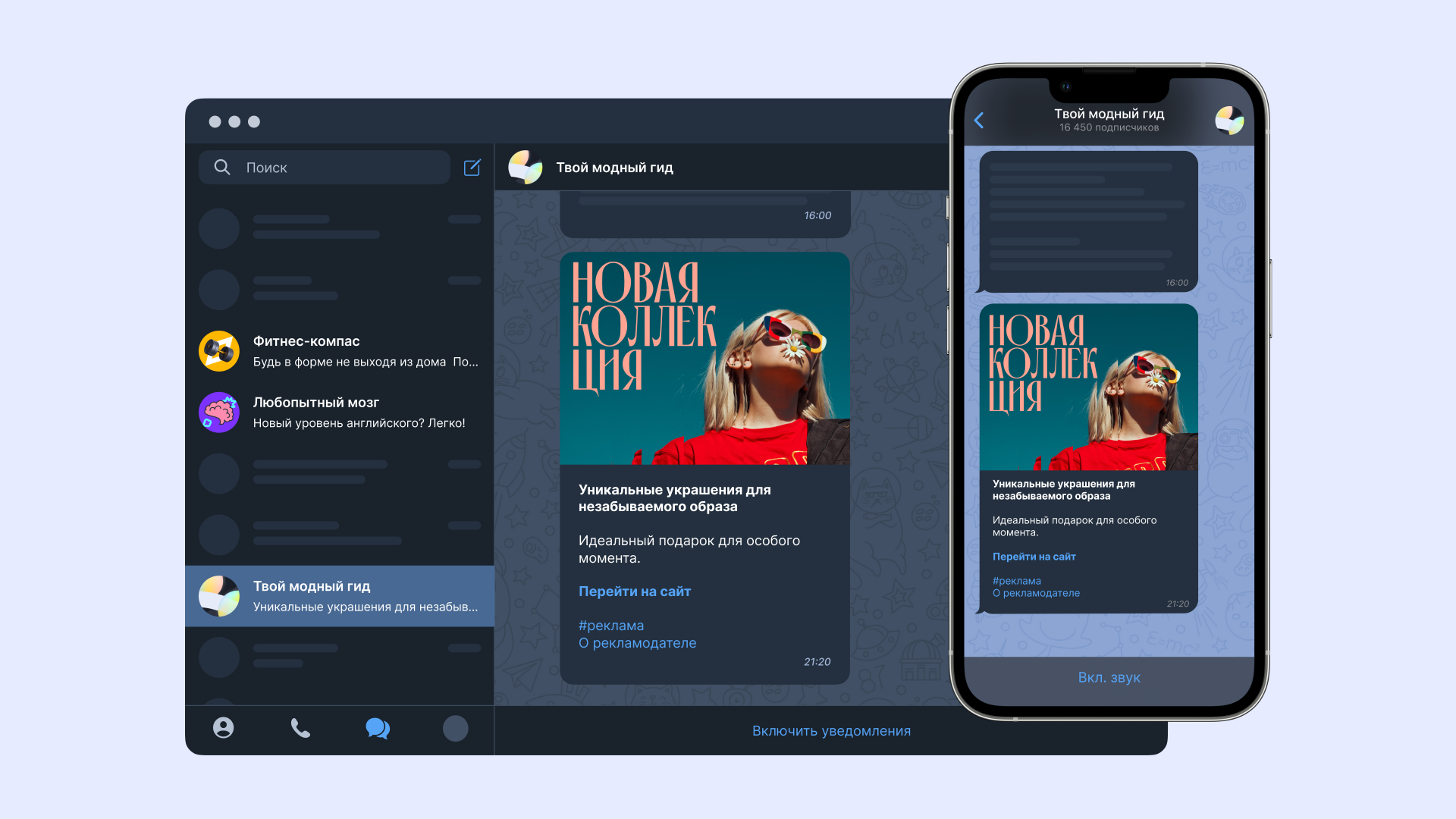
Ads appear as native content, looking like regular posts made by the channel, and can have images, cards, or videos. They're shown to all users, even those with Telegram Premium.
Objectives achieved
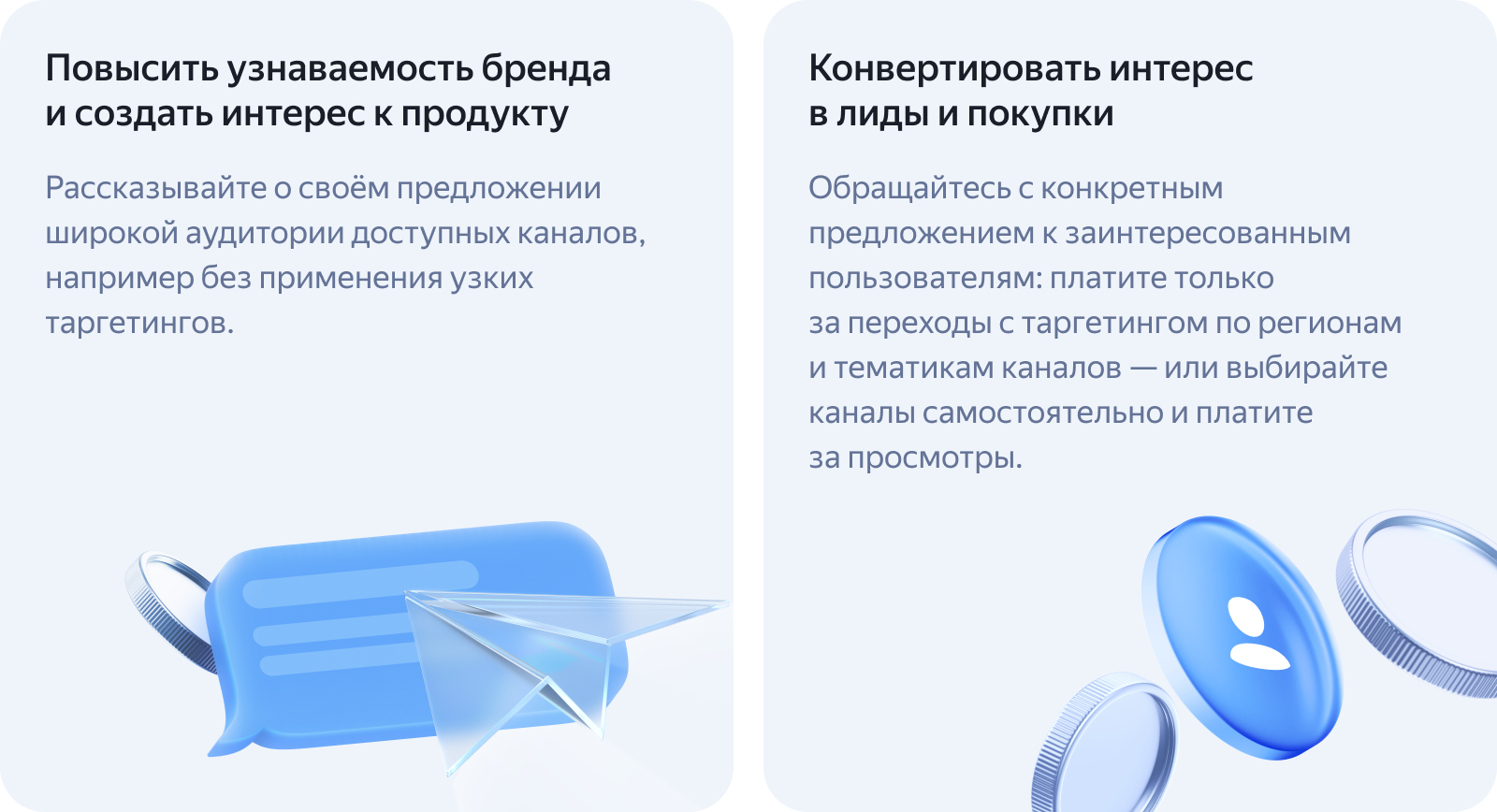
Reach audiences in messaging apps by launching ads across thousands of channels at once. Your ads run automatically using smart targeting based on channel topics, content descriptions, and location. or choose specific channels manually.
Advantages
-
Videos and up to 10 images per ad.
-
Target users by channel topic, content description, and region, or choose specific channels manually.
-
Show ads to all channel subscribers, even those with Telegram Premium.
-
Automatic labeling.
-
More high-quality placement channels: content creators develop and grow their platforms using Yandex ProBlogger.
Placement types
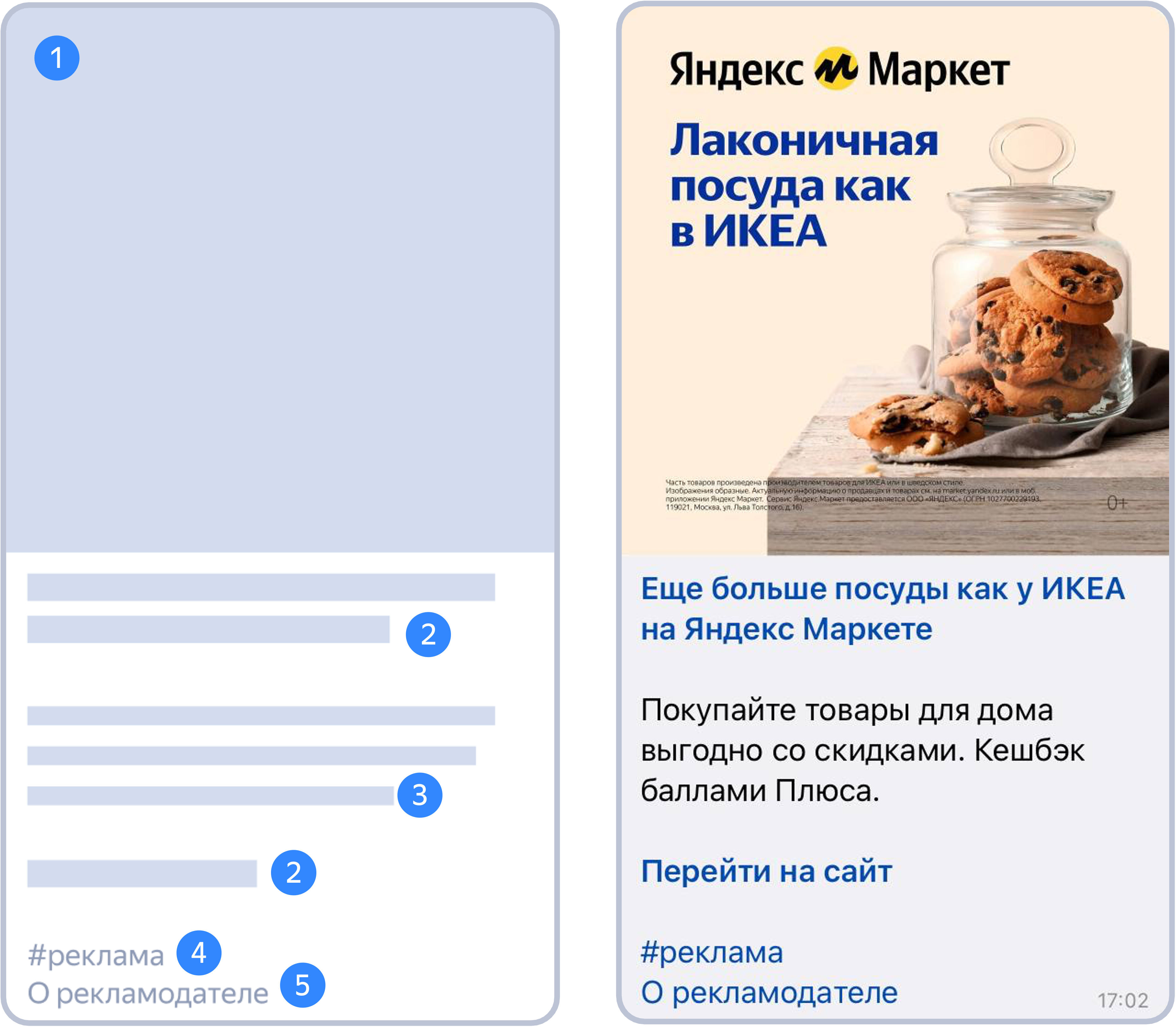
An ad looks like a regular channel post and contains:
-
Image or video.
-
Clickable title.
-
Link to the advertised site.
-
Ad text.
-
“Ad” label.
-
Link to advertiser information. Additional elements may be added: an age label or a notice.
What ads look like in a messaging app
Campaign launch tips
-
Use ads featuring unique, varied creatives. Your creatives must met the technical requirements — they are the same as those for advertising in the Yandex Advertising Network.
-
Double check your ads before launching them: already published posts can't be altered.
-
Pay attention to the quality of your texts and creatives. This will help you increase the CTR of your ads.
-
Add a Yandex Metrica tag and specify conversion actions to track conversion statistics. This doesn't affect the performance of your campaigns.
-
Add multiple images and videos to increase the CTR. Make sure to incorporate visual storytelling, with each individual creative complementing and enhancing your message.
-
Don't change the campaign settings in the middle of the week. Otherwise, your automatic budget allocation will be reset. Instead, make your adjustments at the beginning of the week to ensure even distribution of impressions across your ads.
-
The channel's audience can click the ad link from both desktop and mobile devices. Use responsive landing pages that fit different devices and display correctly on any screen.
Questions and answers
How does ad labeling work?
Ads are labeled automatically, same as in other campaigns. Your ads will include the hashtag "Ad" and a link to the "About advertiser" page. In addition, the referral link will contain a token.
What bidding strategies can I use for ads in messaging apps?
If you choose automatic channel targeting, you can use these strategies:
- Maximize conversions with a pay-per-click billing model and a weekly budget limit or a maximum CPC.
- Maximize clicks:
- Capped by a weekly budget, with the option to set a maximum CPC.
- Capped by an average CPC, with the option to set a custom budget.
What strategy payment models can I use?
In pay-per-click campaigns, you can only pay for clicks. The maximum bid starts at 30 rubles.
How does auctioning work?
Ads are distributed based on a combination of the bid, quality coefficient, and CTR forecast for that specific impression. The channel will display the ad with the best combination of these metrics.
Case studies and helpful resources
-
CHERY dealer increases leads and drops CPL by 19% with ads on Telegram channels
-
Streaming service drives new subscriptions with ads on Telegram channels
Have questions?
Alert
Our customer support can only assist you with campaigns linked to the username you are contacting us from. You can check your username by opening ya.ru in another browser tab. Our team can access your data only when processing your request.
Scan the QR code or tap it to follow the link.


If you select Telegram or WhatsApp, keep in mind that Yandex does not control and is not liable for how third-party messengers store your data and chat history.