Automatic language detection
Item 2.14 of the Game Requirements
The game has built-in automatic language detection via Yandex Games SDK.
Integration
Warning
Auto-detection via the SDK must:
- Occur during launch, not during gameplay.
- Be implemented in all games, even if they declare only one language or have no text.
To determine the user's language, get the language code from the environment.i18n.lang parameter:
1const ysdk = await YaGames.init();
2const lang = ysdk.environment.i18n.lang; // 'en', 'ru', ...
Then use the lang variable when loading game translations.
Verification method
Checking one language
To make sure the game language is detected automatically:
-
Clear the browser cache.
-
Open the game with the debug panel:
Using the developer consoleUsing the address bar- Open the Yandex Games console.
- Select the game you need.
- In the top left corner, click on Open with debug panel.
-
Open the required game.
-
Add
&debug-mode=16to the end of the browser's address bar.Example link:
https://yandex.com/games/app/XXXX?debug-mode=16, whereXXXXis the unique game ID.
-
Check that language auto-detection via the SDK works on the first game launch:
Background
Text
Value
I18N is used
Auto-detection is enabled.
I18N is not used
Auto-detection is not enabled.
Warning
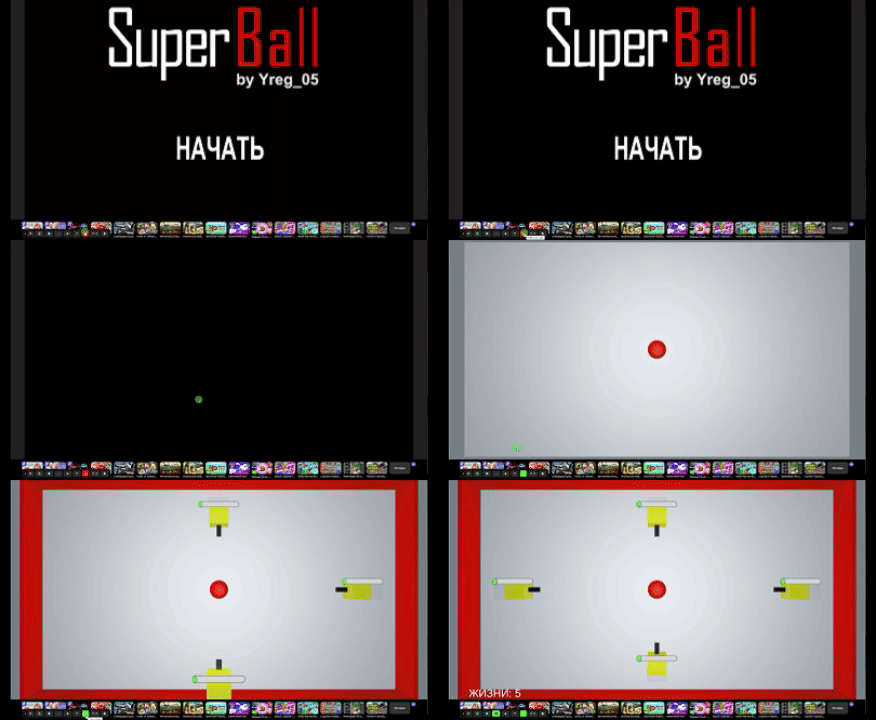
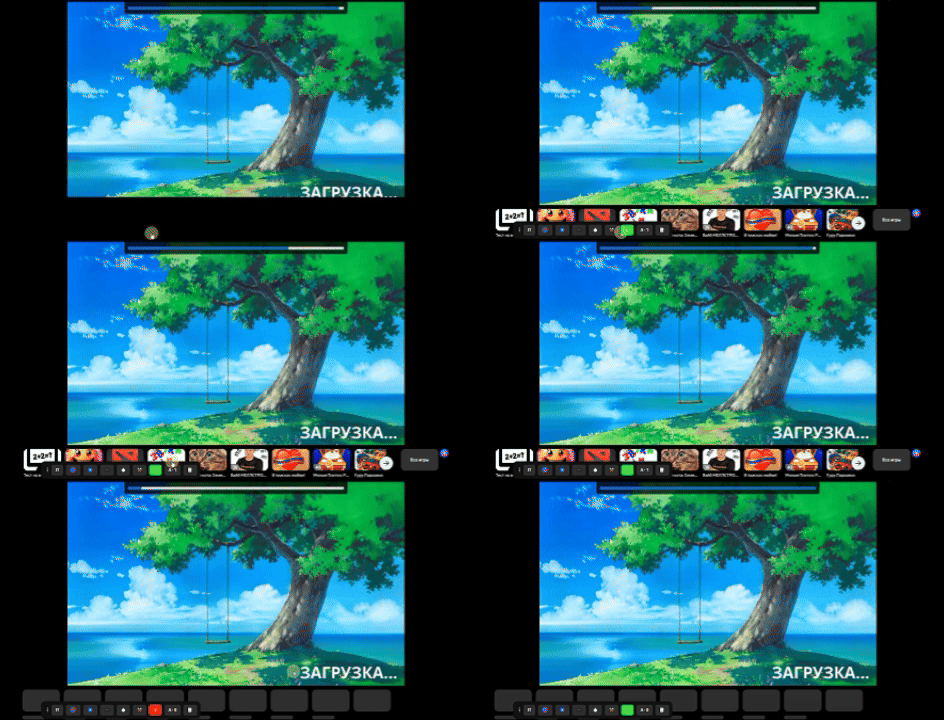
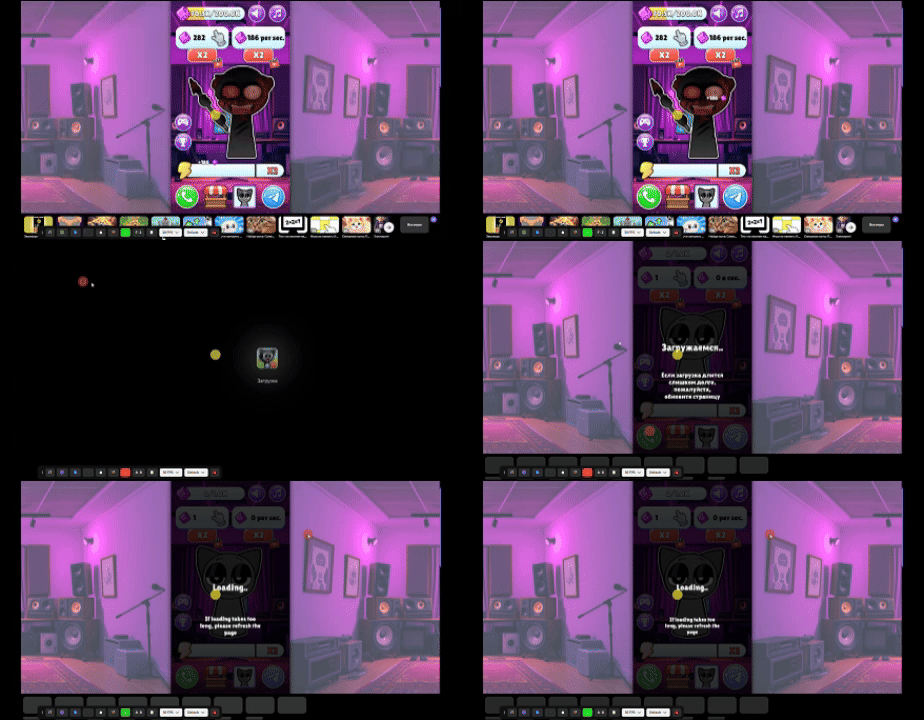
The 文 indicator color should change to green at startup, not during gameplay. A short interval for loading the language is acceptable: at startup, before the indicator changes from red to green, loading text in another language may be displayed.
Examples
|
Game |
Comment |
|
|
🚫 Auto-detection is enabled after the level starts. Such a game will not pass moderation. |
|
|
✅ There is a short delay before auto-detection is enabled, the language is initially correct (the game is in RU only). |
|
|
✅ There is a short delay before auto-detection is enabled, the text language changes along with the indicator color change (EN language). |
Checking multiple languages
Moderation checks game localization for all languages specified on the Draft tab in the Game translated into field.
Repeat the basic check for each declared language. To do this, open the game sequentially in all these languages:
- On the debug panel, click SDK mocks ⚒️.
- In the dropdown list with the language designation (for example, En ), select the one you need. The game will open in this language in a new browser tab.
Note
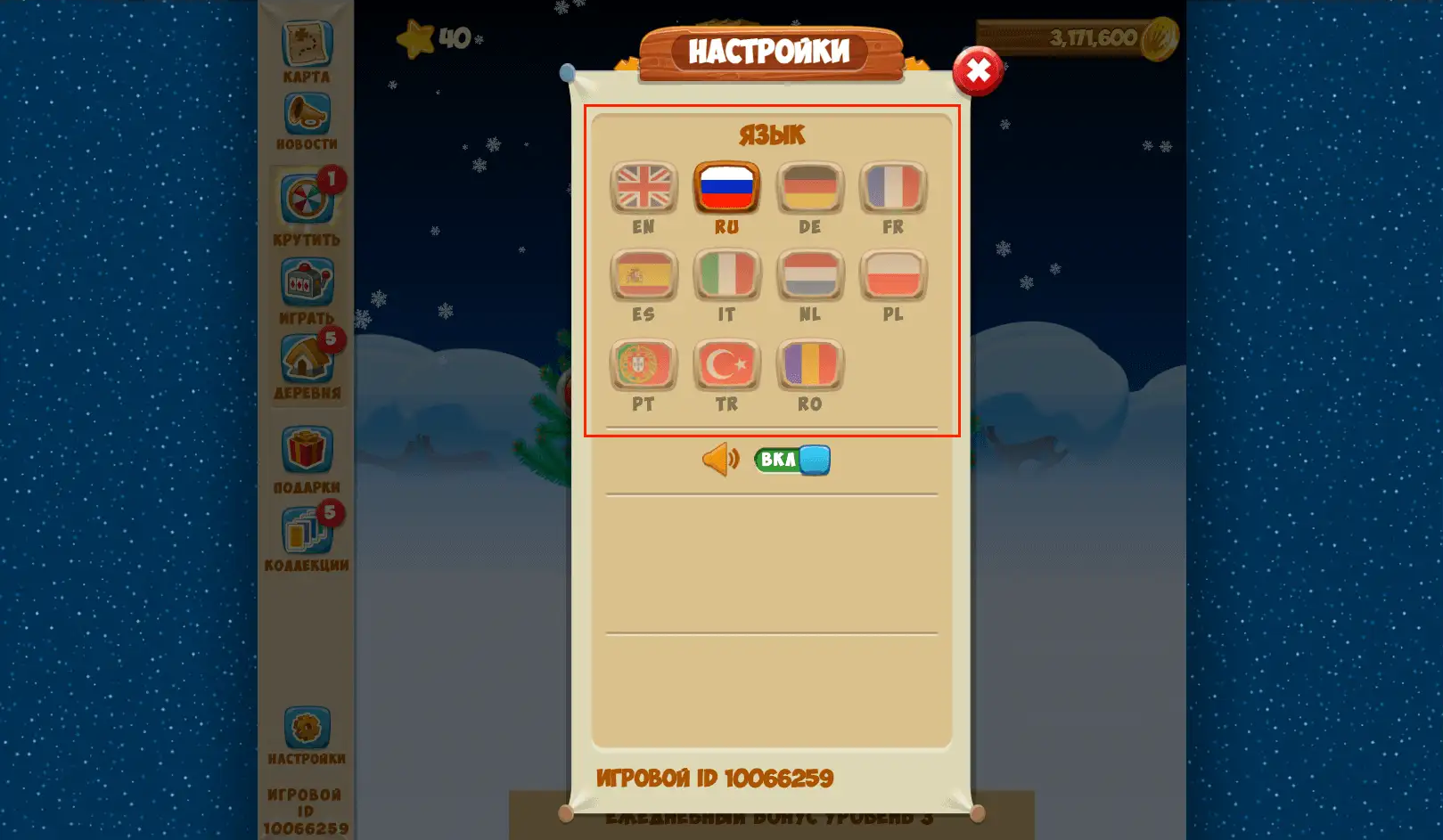
If the game has manual language switching, moderation will only check the implementation for technical and logical errors. To improve player experience, check on your own that you follow the recommendations from item 6.9 of the Game requirements.
Example of manual language selection
Moderation verdicts:
- ✅ If all declared languages loaded — the game will pass moderation.
- 🚫 If at least one language did not switch (fully or partially) to the one selected on the debug panel — the game will be rejected for lack of translation. At the same time, moderation takes into account exceptions that do not need to be translated (see the calibration list for item 8.2.3).
- ✅ It is acceptable if after refreshing the page with the game, auto-detection is absent in cases where the developer has implemented language saving in cache.
Contact moderation
If you believe that language auto-detection works correctly in the game and it was removed from publication or not admitted to it by mistake, please fill out the form below.
The quality control service of moderation will re-check the decision and return the game if it was blocked unjustly.
The code is specified in ISO 639-1 format. For example, "tr" means that the game is currently running in the Turkish interface of Yandex Games. All supported languages are listed on the Languages and domains page.