Quick search
The Yandex Maps homepage features a quick search panel under the search bar.
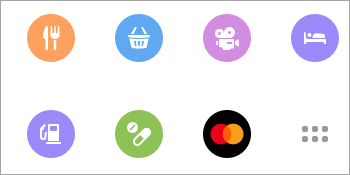
The same panel appears at the bottom of the screen in the center when you start building a route or click on a place on the map:

In either of the panels, click the button you need (such as "Restaurants" or "Cinema") to see all relevant organizations on the map. The placemark for each organization will vary depending on its type. For example: .
If you already built a route, places located along the route are shown. If you didn't build a route, places near the point you clicked on are shown.
The list of the places found will be displayed on the slide-out panel in the left part of the screen.
The list filter buttons are located above the list. Click the appropriate button to see only those list items that match the specified search criterion. For example, by clicking Wi-Fi you will leave in the list only places with Wi-Fi.
To see all available filters, click the three dots button:

Click on the description of the required location in the list or on its placemark on the map to open its place card.
If the location you are looking for doesn't have a match in the quick search bar, go to item search from the search bar.