Shared access in Yandex Mail: shared and delegated mailboxes
You may have access to other mailboxes within your organization in addition to your own mailbox. Categories of such mailboxes:
- A delegated mailbox is another employee's mailbox that you're allowed to use, for example, when that employee is on vacation.
- A shared mailbox is a mailbox that has no specific owner and is used by multiple employees, for example, from one department.
With shared access, any action taken in the mailbox by one employee takes effect for all others, too.
You don't need to know someone else's password to use their mailbox. Access to shared and delegated mailboxes is managed by your organization's administrator. The permissions your administrator has granted you determine how these mailboxes appear in your interface and what you can do with them.
What you can do in a mailbox that you can access
Depending on the permissions your administrator has given you for another mailbox, you can:
-
View the contents and manage the mailbox:
- Read messages.
- Label messages.
- Manage messages: sort them into folders, archive them, or delete them.
- Create and delete folders, labels, signatures, and message filters.
-
Send messages from the address of that mailbox.
Shared and delegated mailboxes in the interface
Display
-
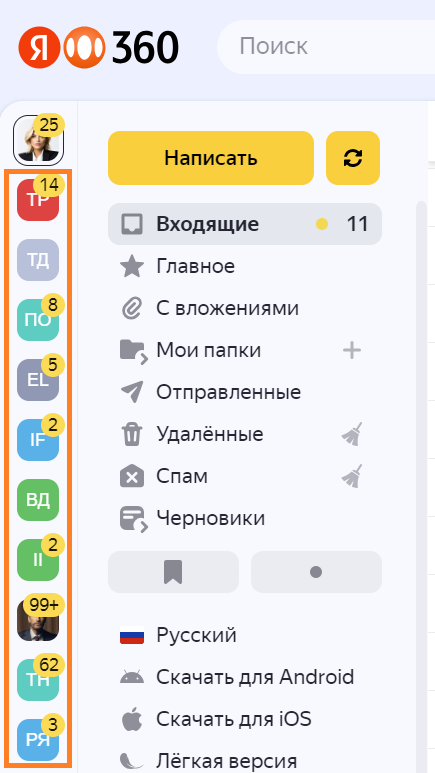
There are no separate settings you need to change in the Yandex Mail web interface. When your administrator grants you access to shared or delegated mailboxes, they appear to the left of your folder list.
If you use an email client
If you manage emails somewhere other than the Yandex Mail interface, you need to set up shared and delegated mailboxes by following the instructions in Shared access to mailboxes in email clients.
Appearance
-
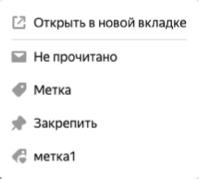
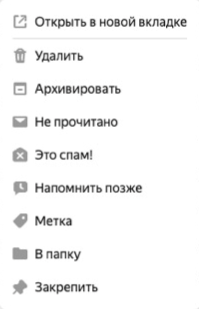
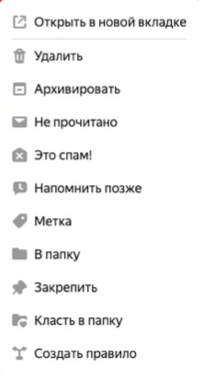
The mailboxes you can access might look different. It depends on your permissions within each mailbox.
Some tools for managing emails, folders, and labels may be unavailable. These elements may also look different:
-
The menu above the email list


-
The context menu that displays available message actions:
-
Settings
-
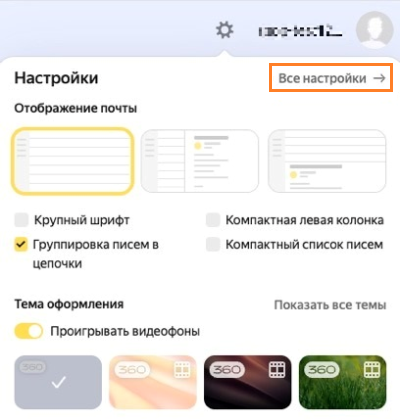
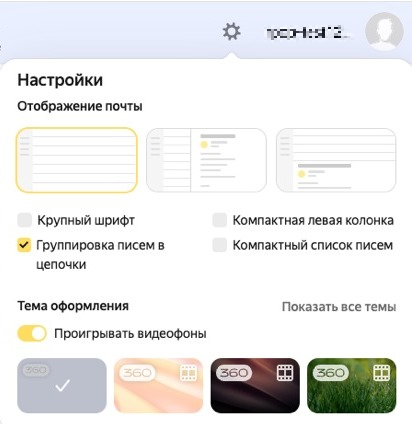
If you don't have permission to change the settings for the mailbox, you won't be able to access its settings.
Sending messages
You can only send messages from another mailbox if the administrator has given you permission to do so.
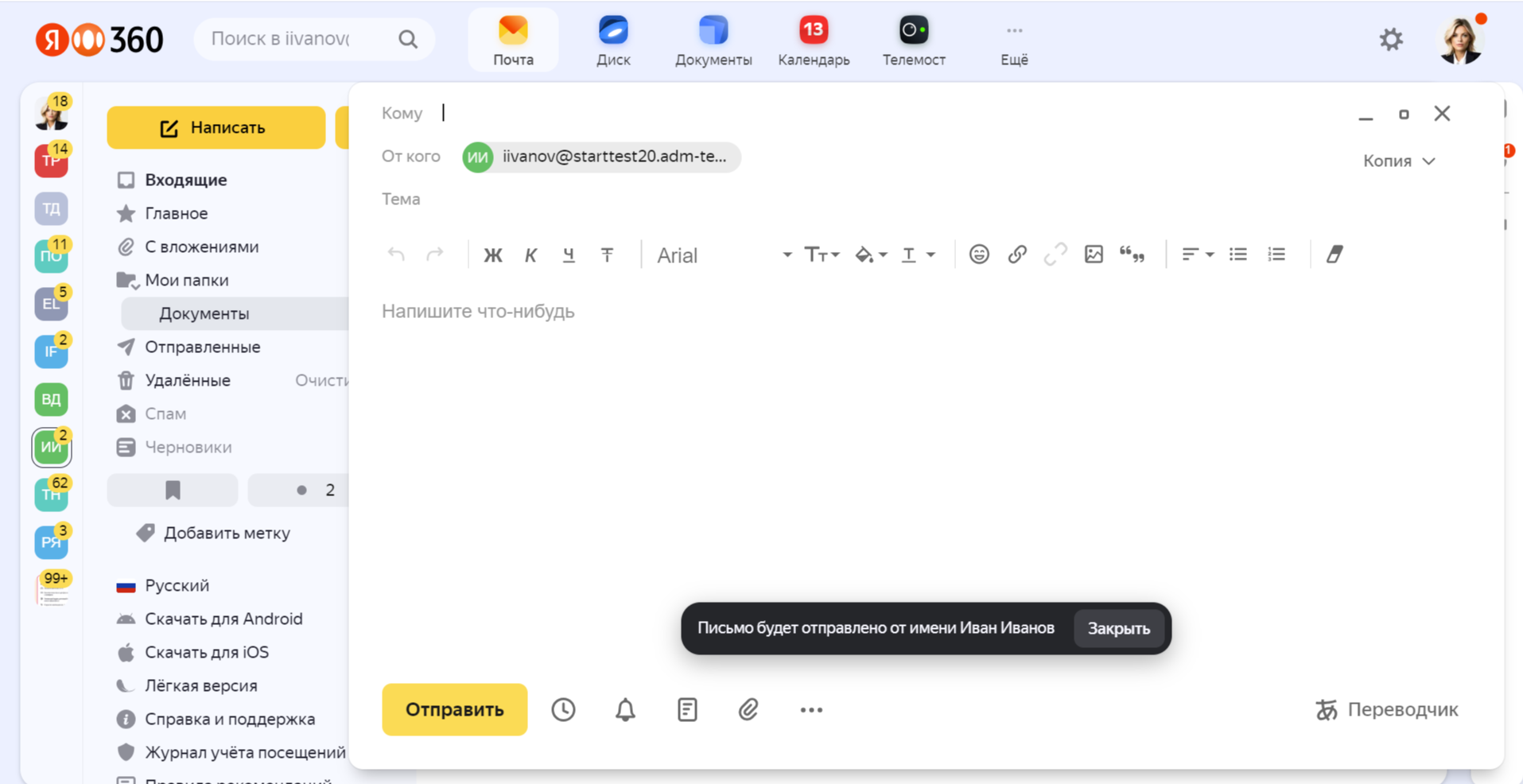
Messages that you send show only the sender information: the name of the delegated mailbox's owner or the name of the shared mailbox. When you start writing a message, Yandex Mail reminds you what name the recipients will see.
Searching for messages
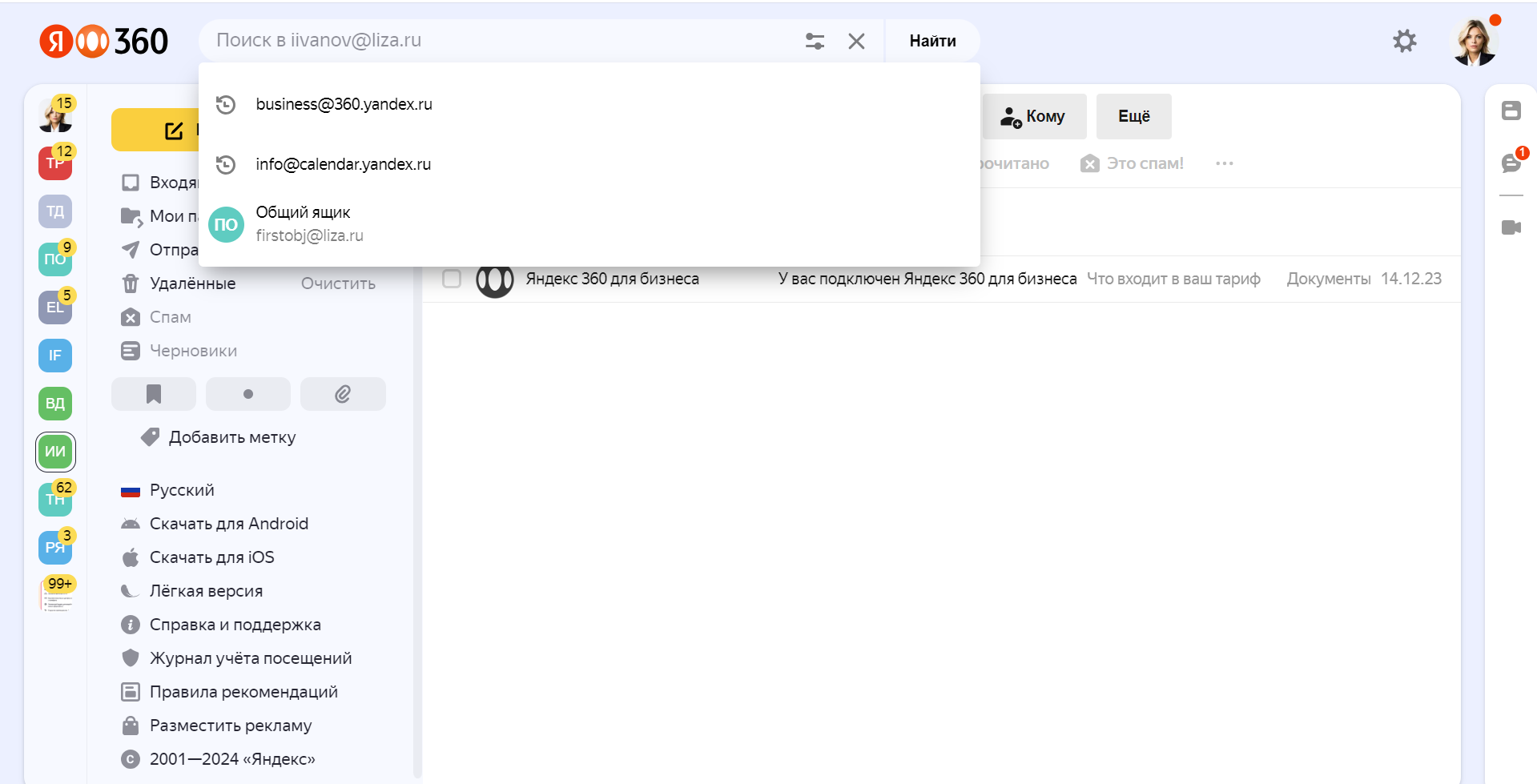
Search is limited to the currently displayed mailbox. Before searching for emails, make sure that you've selected the right mailbox.
Specifics of using shared and delegated mailboxes
The maximum email attachment size is 25 MB
- Attachments larger than 25 MB that mailbox owners add to their messages are usually auto-uploaded to Yandex Disk. With shared and delegated mailboxes, no access to Yandex Disk is granted. If you want to send large attachments from a connected mailbox, save the files to your Yandex Disk manually and include download links to them in your messages.
Access to a mailbox doesn't come with access to the calendar that is linked to it
- Shared mailboxes don't have linked calendars. For delegated mailboxes, only the mailbox owner can access the calendar.
Only contacts from your address book are available
- When you're searching for or selecting email recipients, only contacts from your address book are displayed in the contact list. You can't see contacts from other users' address books.
Limits
|
Parameter |
Delegated mailboxes |
Shared mailboxes |
|
Number of mailboxes in the organization |
200 |
50 |
|
Number of mailboxes that one user can access, excluding their own |
10 (total limit) |
|
|
Number of users who can access the same mailbox, excluding its owner |
10 |
10 |