Warning
Shedevrum is intended for users aged 18 or older.
Minors can only use the service in Kids mode.
Examples
Shedevrum uses a neural network to create short videos based on users' prompts. Write a prompt, add details, and mention a style to get versions of the first video frame. Select an image that reflects your idea the most accurately and add an animation effect.
Below are examples of prompts illustrating what kinds of videos you can create in Shedevrum.
Prompt: Jelly made from champagne and sour cream with grapes, glasses of champagne in the background, high resolution, highly detailed.
Effect: Rotation.

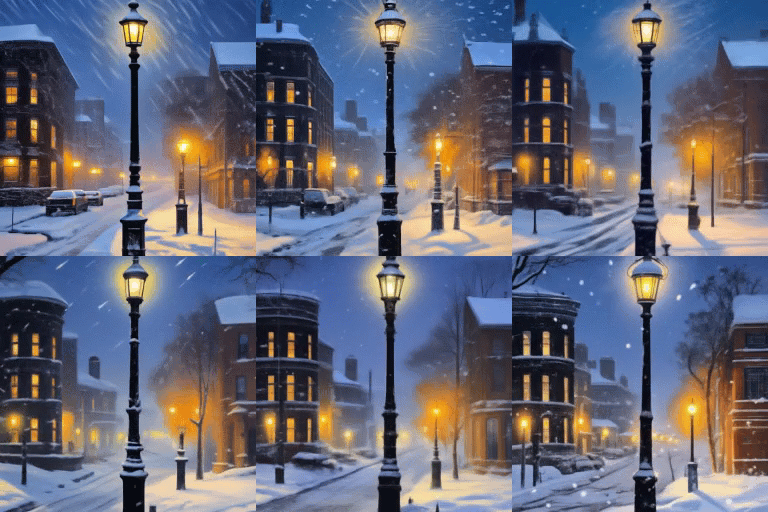
Prompt: Snowstorm, lamp post, late evening.
Effect: Morphing.
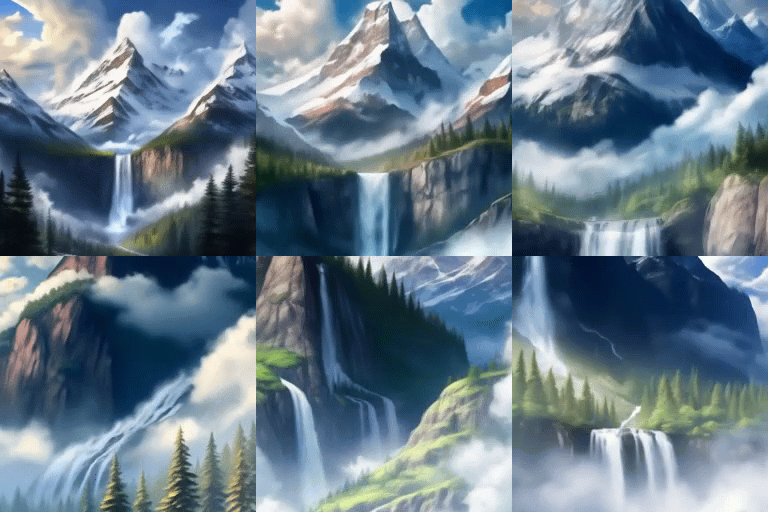
Prompt: Mountain landscape with a waterfall, trees, and clouds in front of snow-capped peaks.
Effect: Zoom.
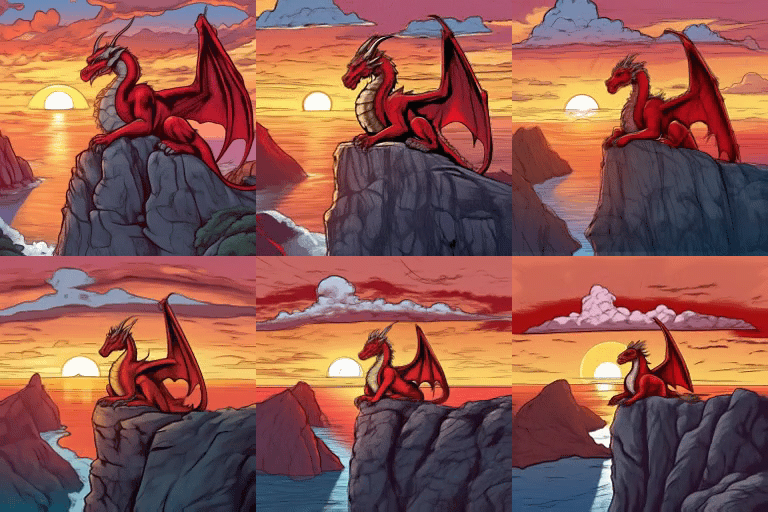
Prompt: A mysterious red dragon resting on a cliff and watching the sunset, comic book.
Effect: Zoom out.
How to animate an image
You can add an animation effect to an image you published before. To do that:
- Open your profile.
- Find the image you want to use and select it.
- Tap .
- Tap in the top-left corner.
- Tap at the bottom of the screen and select Video.
- Paste the prompt and tap Create.
- Select an option for your video's first frame. If you're using model v.1, select the desired effect to add animation.
- Tap Create video.
- Tap Done to post the video to the feed and your profile.
For example:
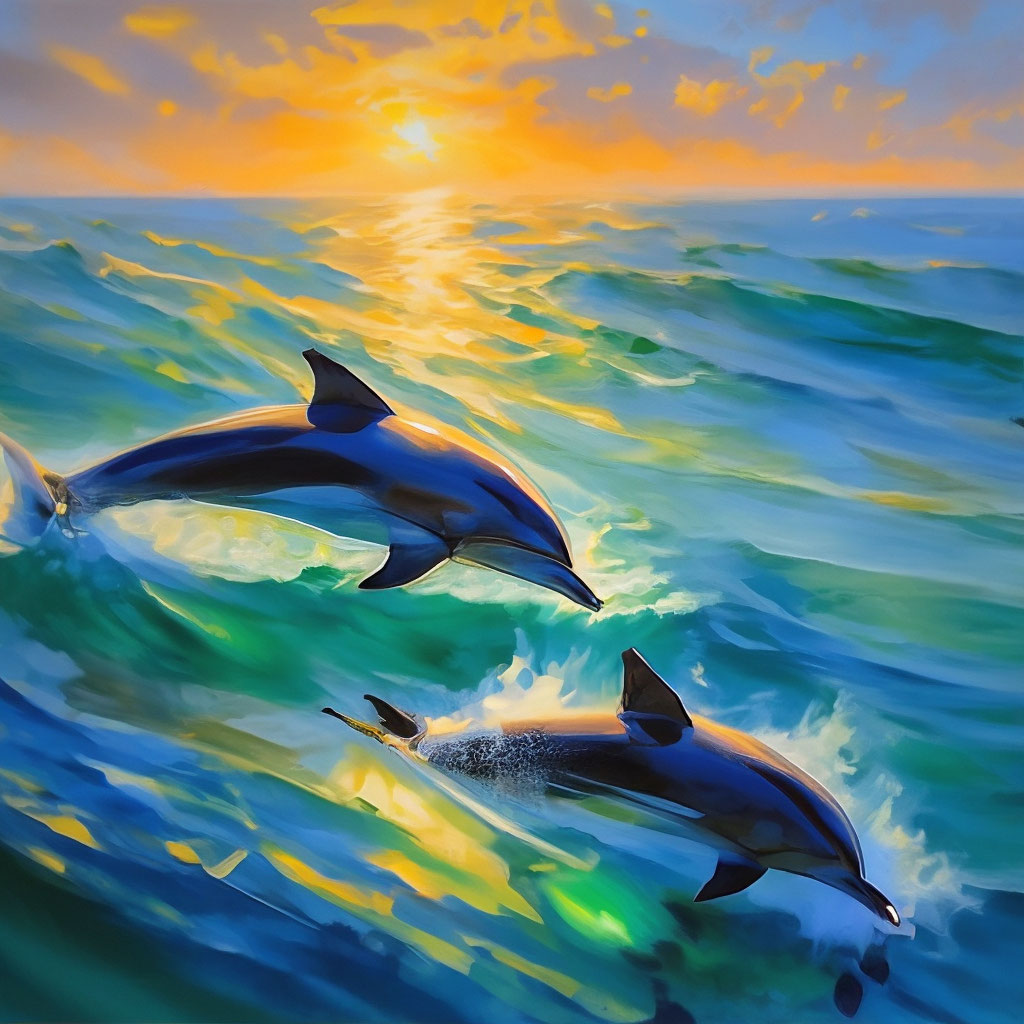
Prompt: A pod of dolphins is playing in the sea. The water is calm, with shades of blue and green. The bright sun reflects on the surface. Oil painting. Aivazovsky style.
Effect: Panorama.
|
Image |
Video |
|
|
|
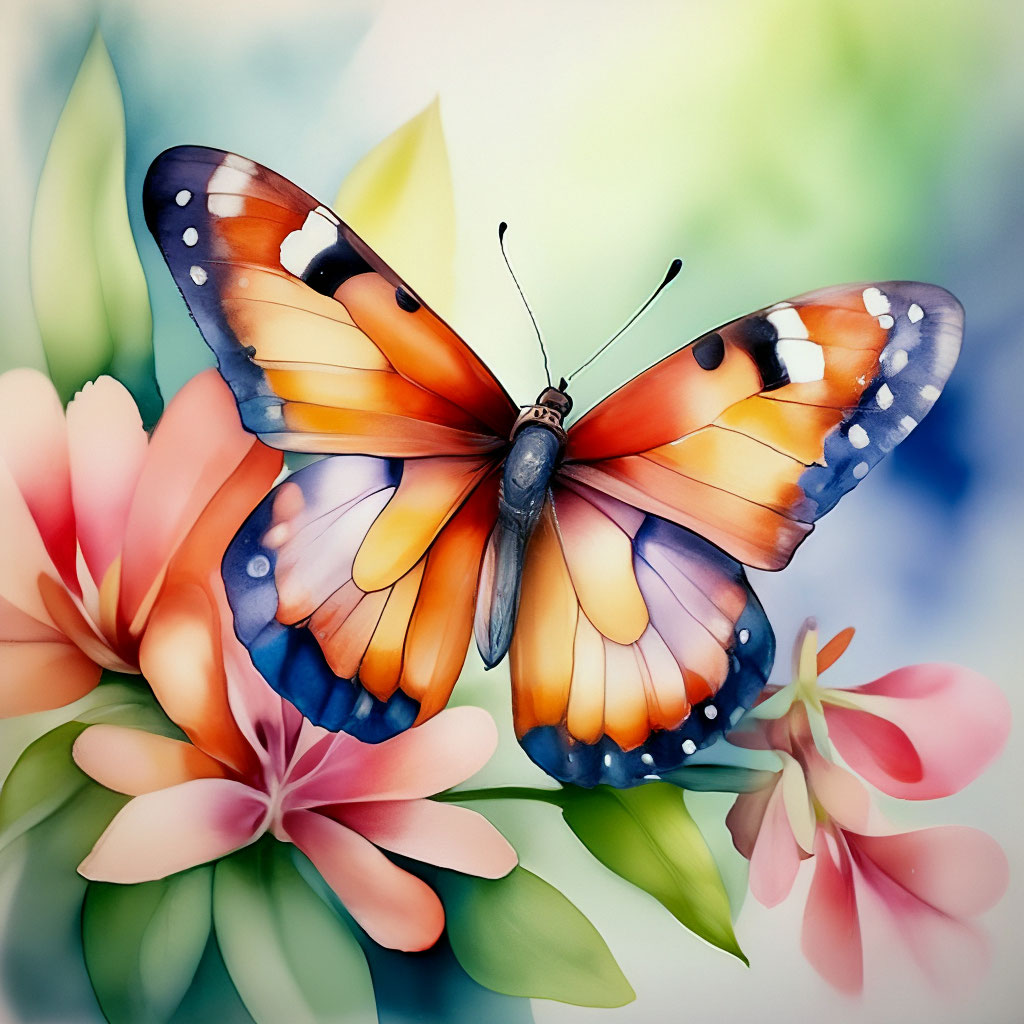
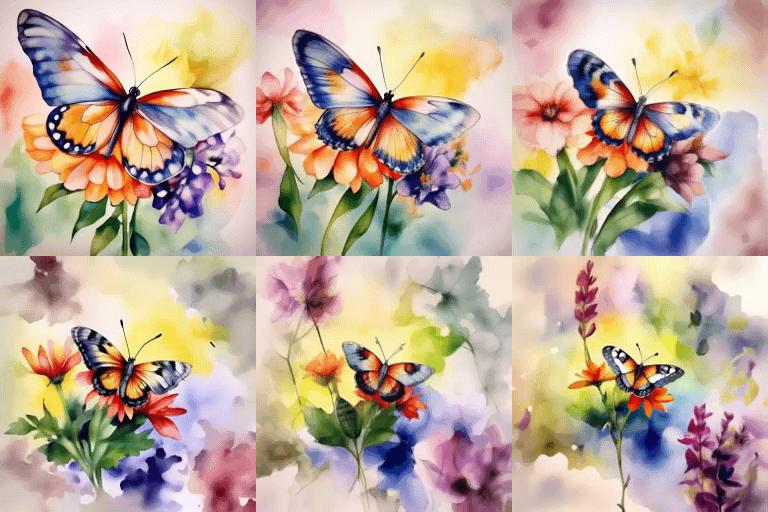
Prompt: A butterfly on a flower, watercolor, bright, delicate.
Effect: Zoom out.
|
Image |
Video |
|
|
|
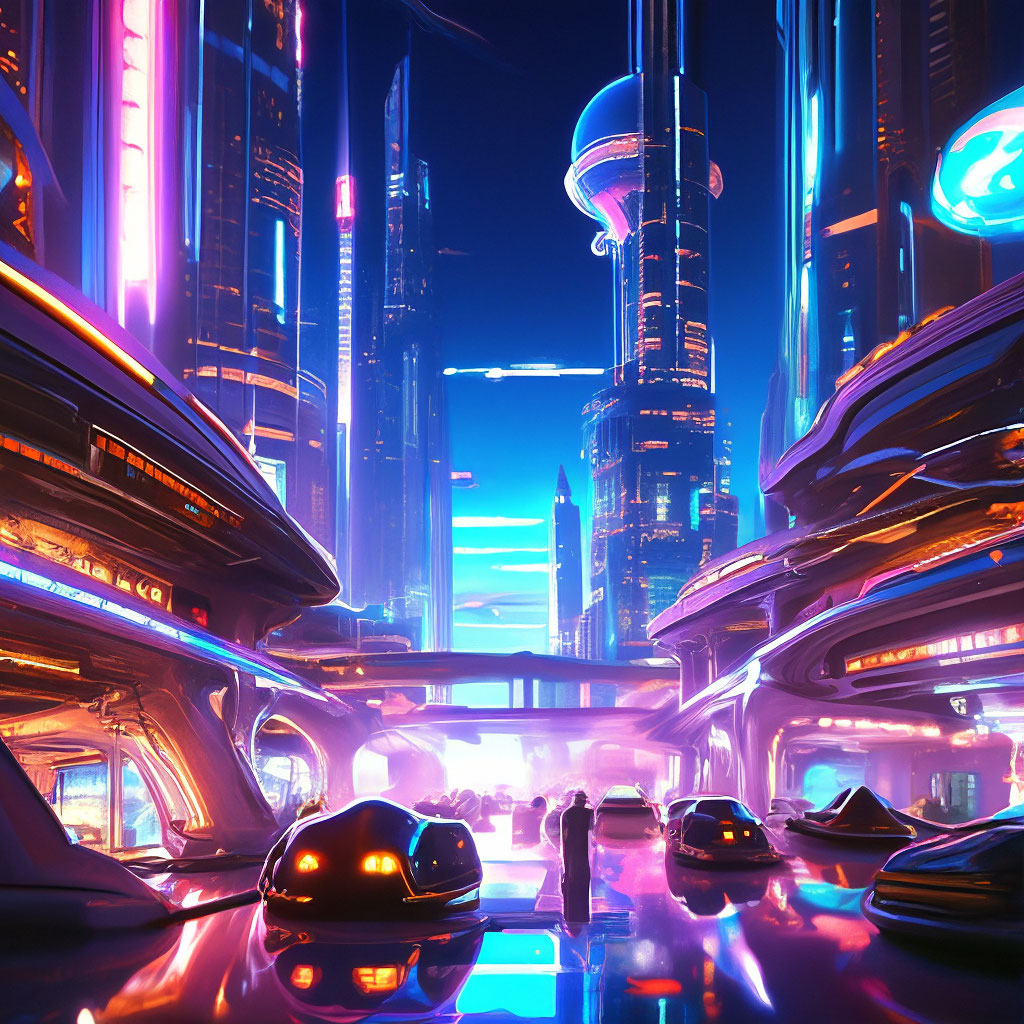
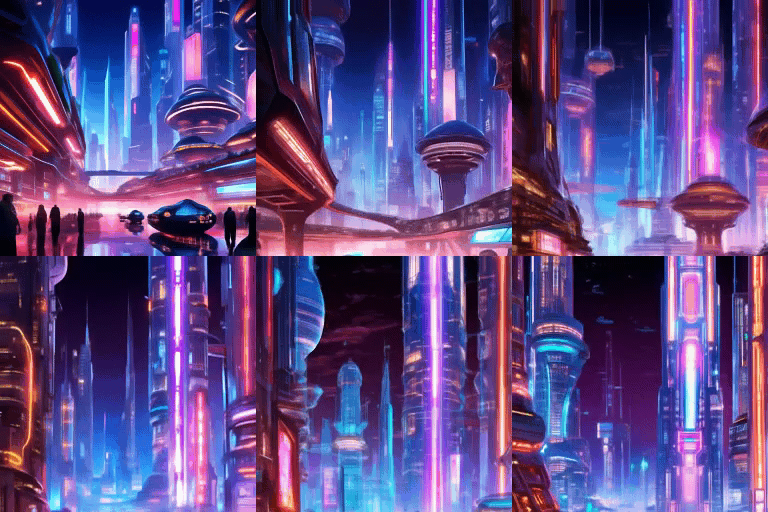
Prompt: A futuristic city with skyscrapers under a night sky, bright neon lights. Unique buildings with vehicles weaving between them. Cyberpunk aesthetic.
Effect: Lift.
|
Image |
Video |
|
|
|