"Cookies" report
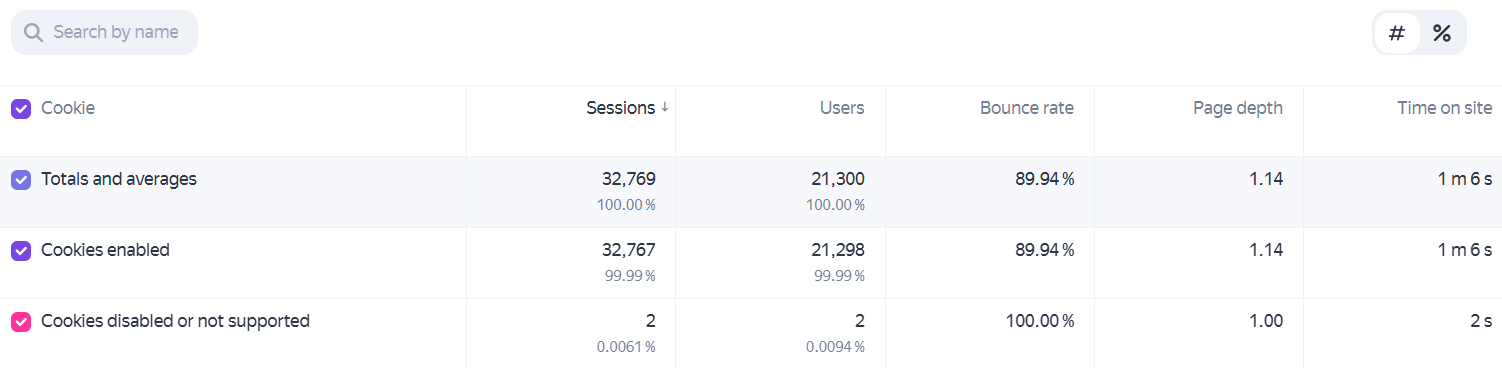
The report shows which sessions used Cookies and which didn’t.
To view the report, go to Reports → Technology → Cookies.
An example of this report is available for the Yandex Metrica demo tag.
Ways to use this report
Identify how much of your audience has cookies enabled
Report structure and settings
Data in the report is broke down into two groups:
- Cookies enabled.
- Cookies disabled or not supported.
This report supports all settings available in Yandex Metrica except for attribution models.
|
Useful links |
Online training |