How to add audience segments
Use the web interface to create segments. In Direct Commander, you can only add previously created segments to ad groups.
To get the latest list of audience segments from the server, click Download and select Main data (fast) or All data (slower) from the menu. It's not sufficient just to download a list of campaigns.
To add audience segments:
-
In the Ad groups tab, select one or multiple ad groups.
-
In the Audience segments and interests tab, click Add and select Audience segment from the menu.
-
In the Audience segments and interests window, go to All targeting criteria and select the audience segments you want to add.
Tip
To quickly select or clear an option, press the Space bar.
You can't unselect lists that were added to the ad groups earlier, but you can remove them on the tab.
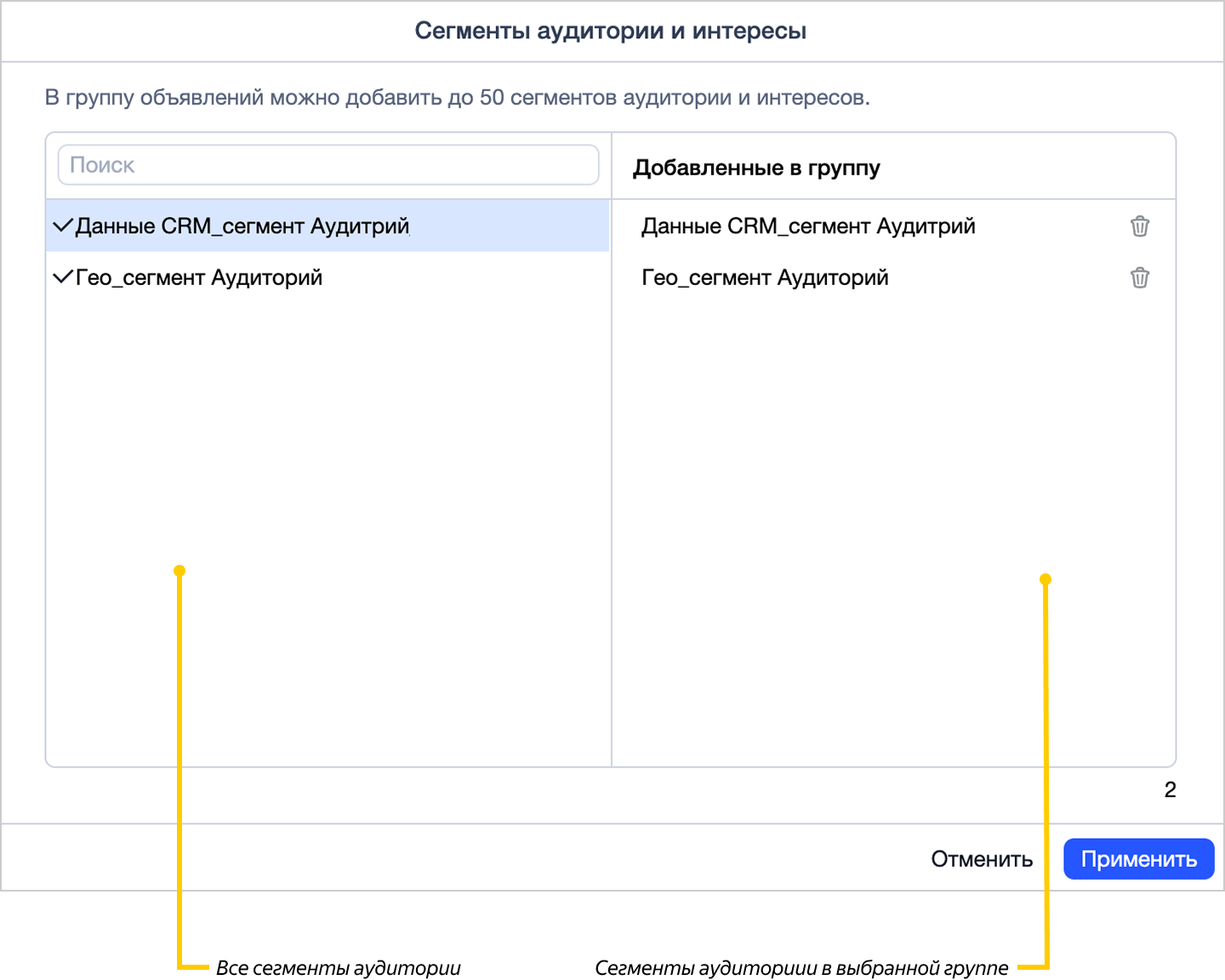
Click Apply.
-
In the Inspector's Editing section, specify the bid or priority for the audience segments that you added.
-
Press Ctrl + S (Cmd ⌘ + S on MacOS) or click the Save button at the bottom of Inspector.
In the Audience segments and interests tab, you can copy the column with audience segments and filter them using the search bar.
You can also go to
