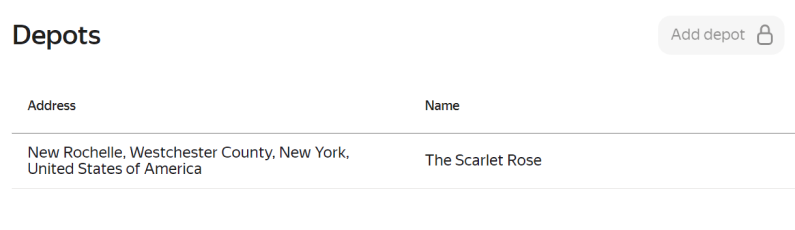
Depots
You can add only one depot.
Adding a depot
-
Go to Master data → Depots.
-
Click Add depot.
-
Fill in the following fields:
- Address*: Depot's address or coordinates. To indicate the depot's location more accurately, zoom in and move the depot marker on the map. The address updates automatically.
- Name*: Depot name.
-
Click Add.
Editing a depot
-
Go to Master data → Depots.
-
Select the depot.
-
Change the depot name or address. You can also move the depot marker on the map, and the address will update automatically.
-
Click Save.
Deleting a depot
You can only delete depots that have not been used for planning routes or adding couriers.
To delete a depot:
-
Go to Master data → Depots.
-
Select the depot.
-
In the Edit depot window, click → Delete.
-
Confirm your action.
Required field.